

Direct answer
What should you do?
Treat a room as one project: identify the required furniture or material chain, reserve a working area, craft in stages, and finish the current space before starting several unrelated decoration chains.
Official video
See this decision in the game
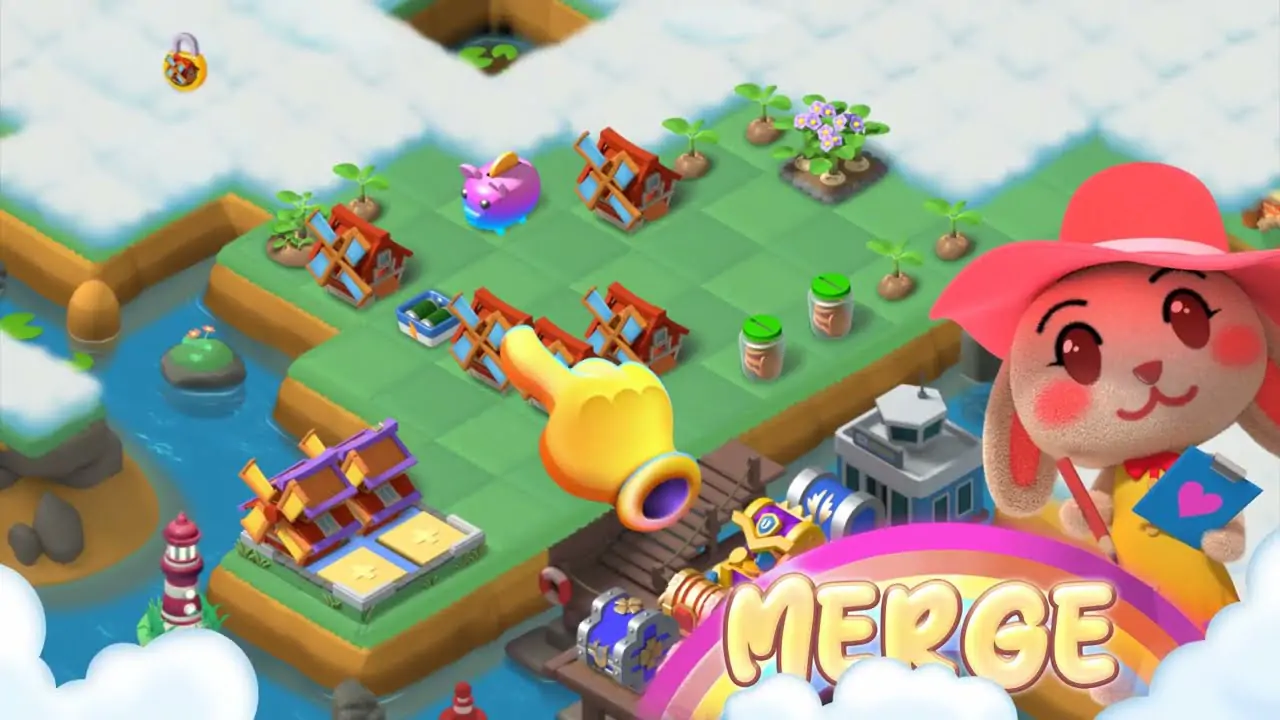 23 seconds
Merge Isle Dream House and Castle Decorating Video
Watch the official Merge Isle Dream House clip and connect furniture crafting, material planning, room goals, and castle decoration choices.
Watch the official video →Key takeaways
- Choose one room or furniture objective at a time.
- Check blueprint and material requirements before generating a chain.
- Craft in stages so the merge board retains flexible space.
1. Start from the room objective
A decorating project is easier when you know whether the next step requires a blueprint, crafted furniture, restoration material, or a story unlock. Read the current room prompt before using saved items.
Choose the project that produces a complete visible milestone rather than several unfinished rooms.
- Identify the exact required item.
- Check whether the blueprint or producer is available.
- Reserve materials used by another current goal.
2. Craft without crowding the board
Furniture chains can compete with orders, farming, and event items. Reserve one working area and merge each batch as far as the current project requires before generating more.
Keep high-level crafted items separate until you confirm their destination. Do not consume or sell a component only to clear a single space.
- Generate in manageable batches.
- Consolidate intermediate levels.
- Collect project rewards after preparing room on the board.
3. Use design choices to mark progress
Decoration is the visible result of merge planning. Complete one coherent area, compare available choices, and use the room as a milestone before moving to another project.
Current design options and requirements may change, so use in-game previews for the final choice. This guide focuses on resource and space planning.
- Finish one space before opening several chains.
- Preview choices when the game provides them.
- Return unused materials to an organized chain area.
Try this decision
A practical exercise
A room project needs a crafted item while another order competes for the same board space.
- Read the room requirement and confirm the relevant blueprint or producer is available.
- Reserve the components needed for that project and consolidate unrelated routine items.
- Craft toward one complete room milestone, using current previews where offered.
Check the result: Can you identify the destination of each saved component? Preserve flexibility instead of opening several unfinished room chains.
Illustrative scenario added September 9, 2026. This is a planning exercise, not a recorded test result or a new live-game rule. The version scope above still applies.
Decision table
| Project stage | Board action | Completion signal |
|---|---|---|
| Plan | Read room, blueprint, and material requirements | One clear furniture target |
| Produce | Reserve space and generate in batches | Required intermediate levels are visible |
| Craft | Complete only the current item | Furniture is ready for the selected room |
| Decorate | Preview and place the finished piece | Board is cleared for the next project |
Frequently asked questions
How does furniture crafting connect to merging?
Merge chains provide materials and components used for furniture and restoration projects.
Should I work on several rooms at once?
Usually one clear room objective uses board space more efficiently and produces visible progress sooner.
Where do I check current blueprint requirements?
Use the current in-game furniture, room, and task screens because available items and requirements may change.
Official sources and scope
This guide is based on current official product information and product-team review. Exact values, event rules, and unlock requirements can change; verify time-sensitive details in the live game.
Continue in game
Play Merge Isle
Use the guide as a decision framework, then confirm current values and rules in the live game.